

Key User Capabilities
Digital Identity Management implements role-based assignments for end users that determine what consoles are available. Additionally, roles define the level of access and functionality the user has to manage Digital Identity Management services and resources.- Create new user roles and define the application entitlements for that role
- Search for, edit, and remove existing roles
- Create, activate, and remove other Admin and Care end users
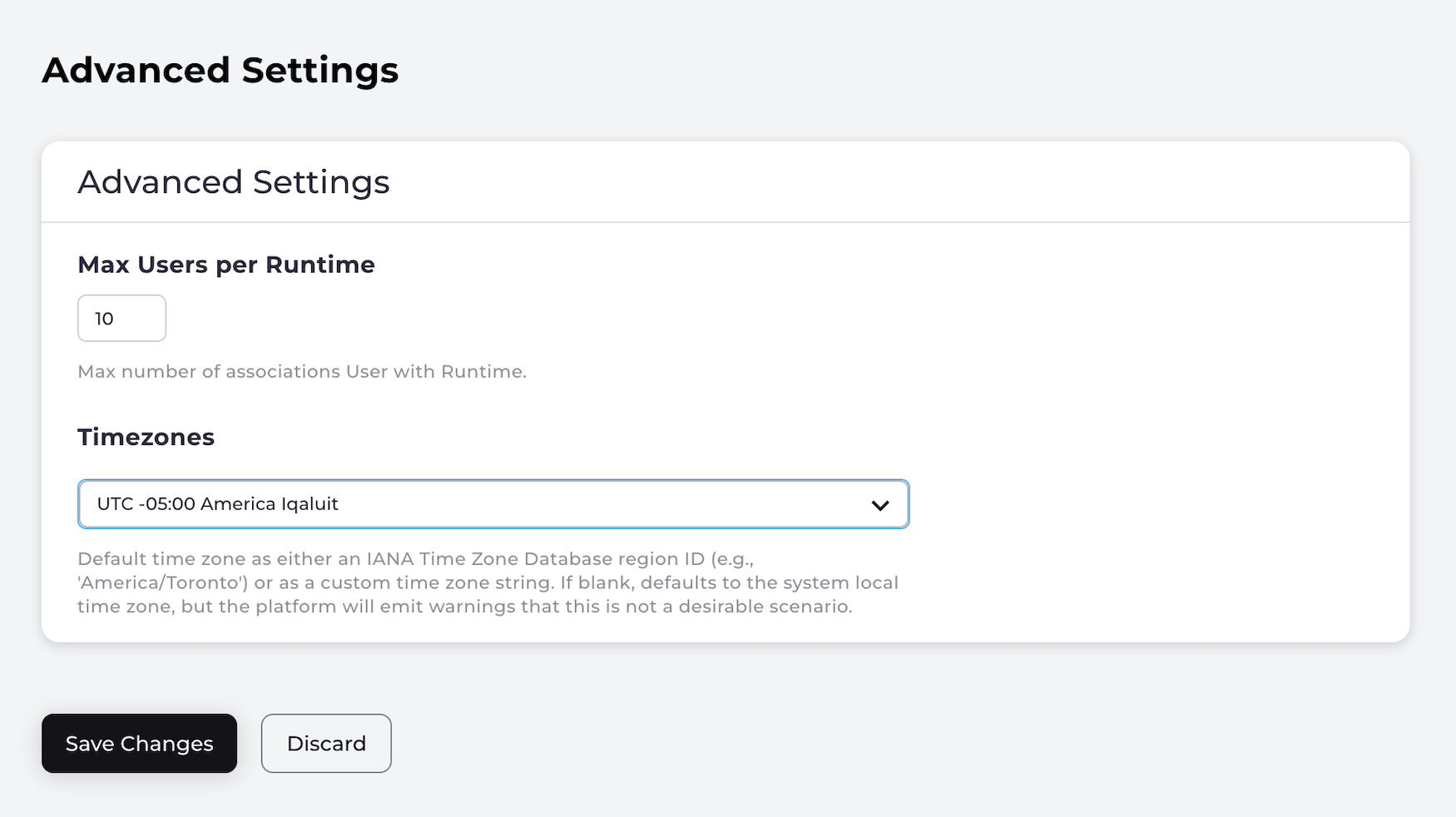
- Modify application settings that determine system behavior. Applications settings are found in these categories:
- Authentication – Define the password complexity rules, number of email/mobile aliases a user can have. Set obfuscation rules, and configure the valid email/mobile patterns allowed.
- Social Connections – Configure integrations with social identity providers: Apple, Facebook, Google, LinkedIn, Microsoft.
- Security – Establish rules for user lockout, MFA, and enable recaptcha.
- Register and manage OAuth 2.0 and OpenID Digital Identity Management-compliant clients for Single Sign-On (SSO)