Email User Onboarding Flow
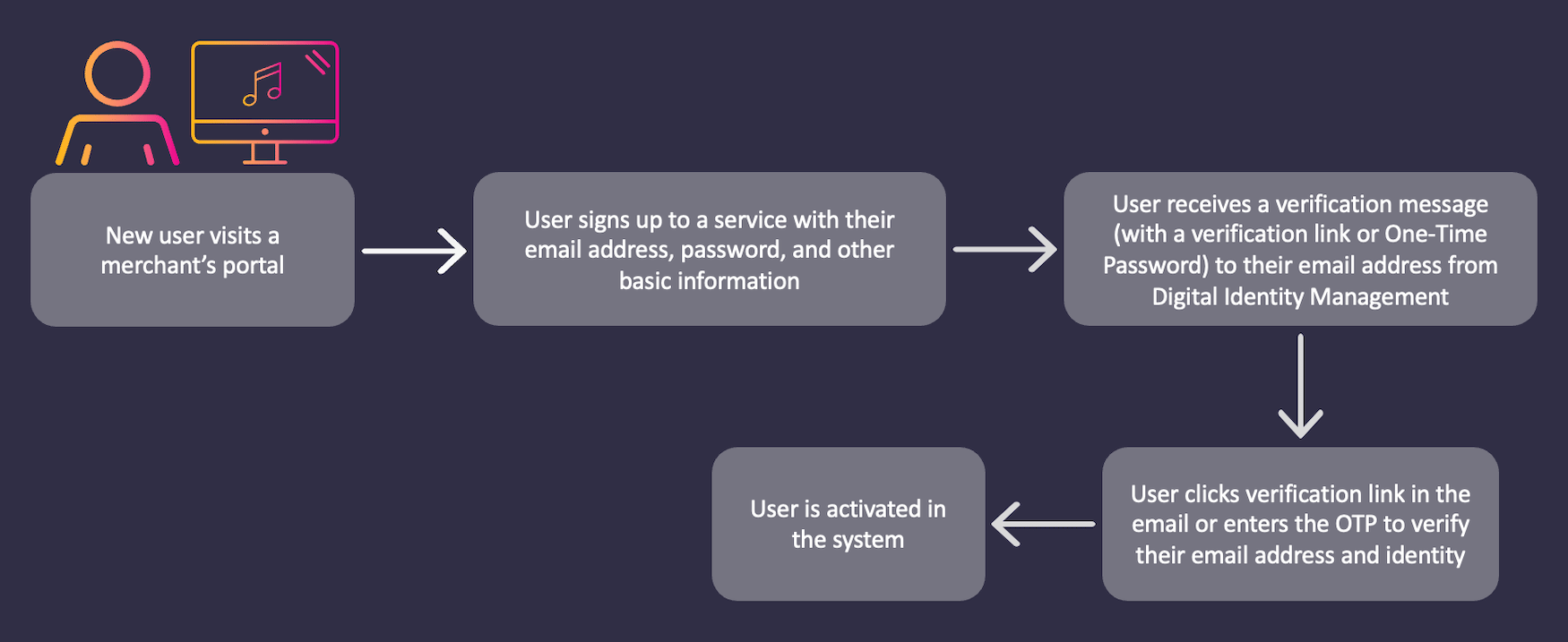
Following is a typical user onboarding example for this flow:- A new user visits an organization’s sign-up page.
- The user registers with Digital Identity Management services by submitting their email address.
- Digital Identity Management sends a verification message with a verification link or One-Time Password (OTP) to the user’s email address. The OTP code or password is valid for only one login session.
- User verifies their email address and identity using the verification message sent by Digital Identity Management.
- The user enters a new password and other basic information.
- User is activated into Digital Identity Management.
Email User Authentication Flow
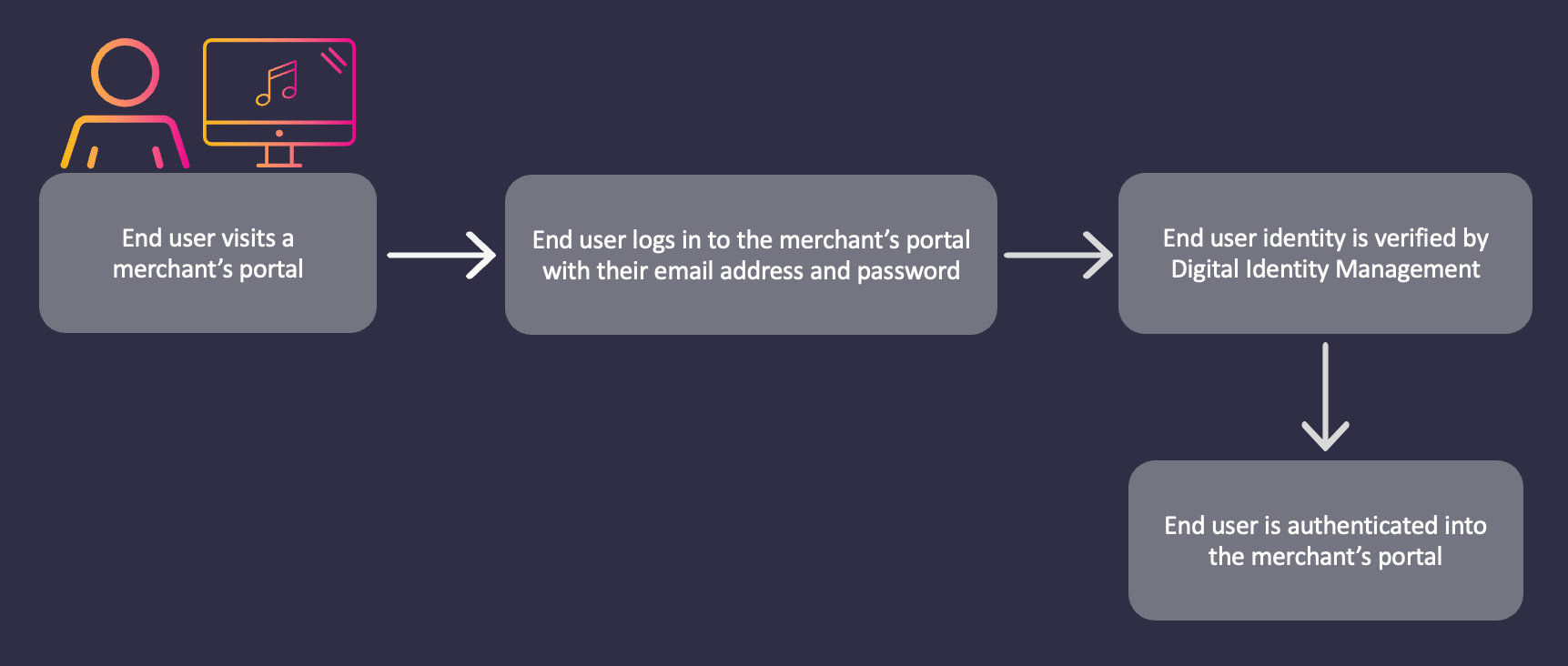
Following is a typical user authentication example for this flow:- A user visits the organization’s login page.
- User logs in with their email address and password credentials.
- Digital Identity Management verifies the user identity.
- The user is logged in after Digital Identity Management’s successful identity verification.