Announcements
The following are MarketONE Connect Announcements:- We are migrating documentation from MarketONE Developer site at https://developer.m1amdocs.com/documentation/ to our Knowledge Center at https://docs.vindicia.com/. New documentation updates will only be available in the Knowledge Center.
- We are in the process of updating documentation and UIs to reflect new product names for the following:
- IdP UI renamed to Identity app
- Admin app renamed to Admin console
- Care app renamed to Care console
Connect Features and Enhancements
This section describes the key updates in this release:Support for OAuth 2.0 Client Credentials Grant Type (Machine-To-Machine Calls)
From this release, MarketONE Connect supports OAuth 2.0 Client Credentials grant type. OAuth 2.0 Client Credentials grant is often used by applications to obtain an access token for access to their own resources (not user’s resources). This is also commonly called Machine-To-Machine (M2M) calls. Connect Admin users can assign the Client Credentials grant to applications that send requests for an access token to use their own resources. Coming Soon: Admin console controls to configure a machine client with Client Credentials grant type.Enforce User to Register a Second Factor for Authentication
From this release, organizations that require users to set up a second factor for their authentication, prompts the user on their initial login to register a second factor. The user chooses which method they want to register as a second factor for Multi-Factor Authentication (MFA). On subsequent logins, the user must pass the MFA challenge using their second factor. This security feature is necessary for organizations that adhere to the Payment Card Industry (PCI) compliance standards and require applications or systems to prompt for at least a second factor. This capability is supported within our Identity app pages and uses the Connect Process API OnboardAndAuthenticateV2.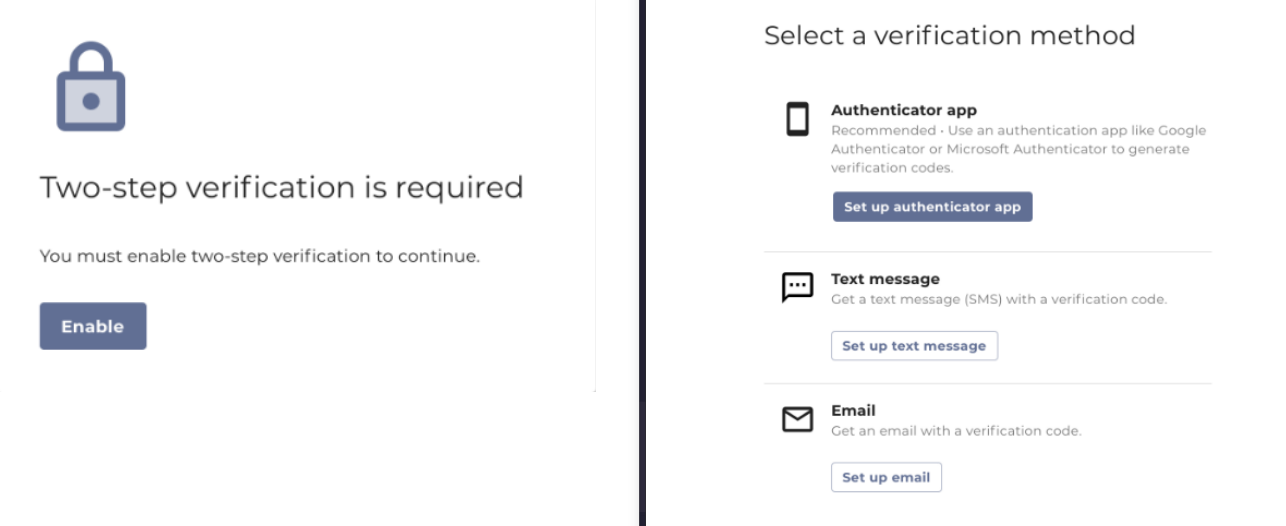
User Self-Deletion
From this release, Connect allows a user to delete themselves from the identity provider. This capability is particularly useful when a user wishes to leave the application/service permanently, and the user wishes for the application/services to store no data about them. The new Connect OpenAPI call is[DELETE /user](https://docs.vindicia.com/bundle/Amdocs_Media-ULM-Released-resolved/page/index.html#operation/deleteUser).
Coming Soon: Identity app support for user self-deletion.
Delete User from Care Console
From this release, an admin or care representative can delete a user from the Care Console. Due to the irreversible and inherent power of a user delete function, this option is hidden from the Care console by default.To have the delete option visible for your organization, open a ticket with Vindicia Client Technical Support. In early 2023, Connect will display this delete capability for certain users with the appropriate roles and permissions, such as a user with an administrative role.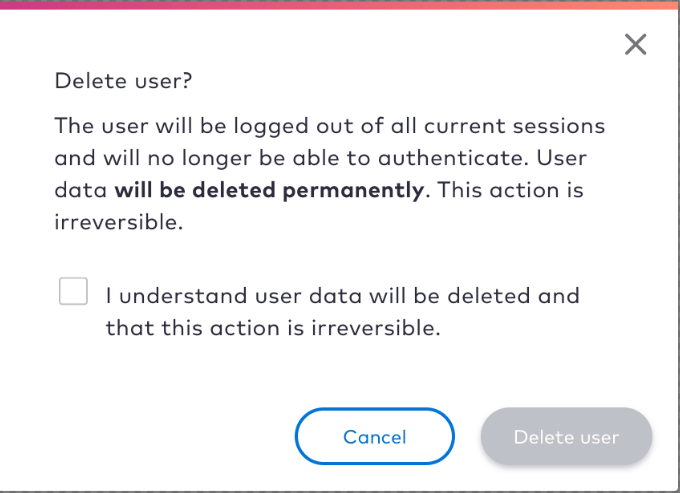
Specify Role During Admin User Creation
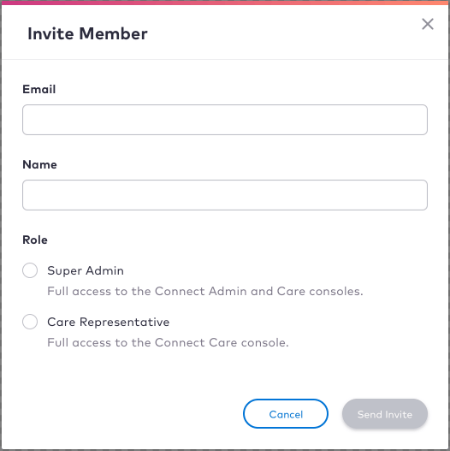
From this release, when an admin user is created from the Admin console, a role can be assigned. The two supported admin roles are:- Super Admin: a user with this role has access to Admin and Care consoles
- Care Representative: a user with this role has access to Care console