

Redirect Options
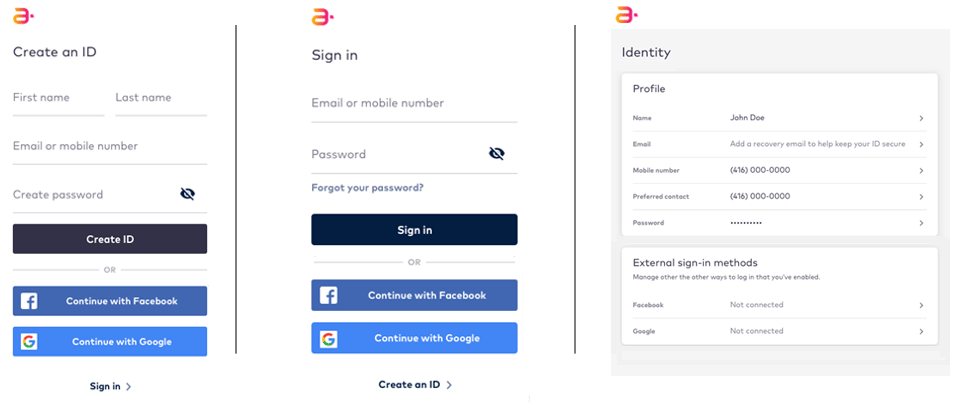
Once a user authenticates with the Identity app, the Identity app redirects the user to the accompanying User Profile. However, an organization can change the post-authentication redirect location to the authenticated view of any service or application. An organization’s employees can configure the redirect URL using the Digital Identity ManagementAdmin console.Responsive Design
The Identity app uses a responsive design to ensure a consistent, clean layout regardless of the platform (for example, desktop or mobile view) or screen resolution.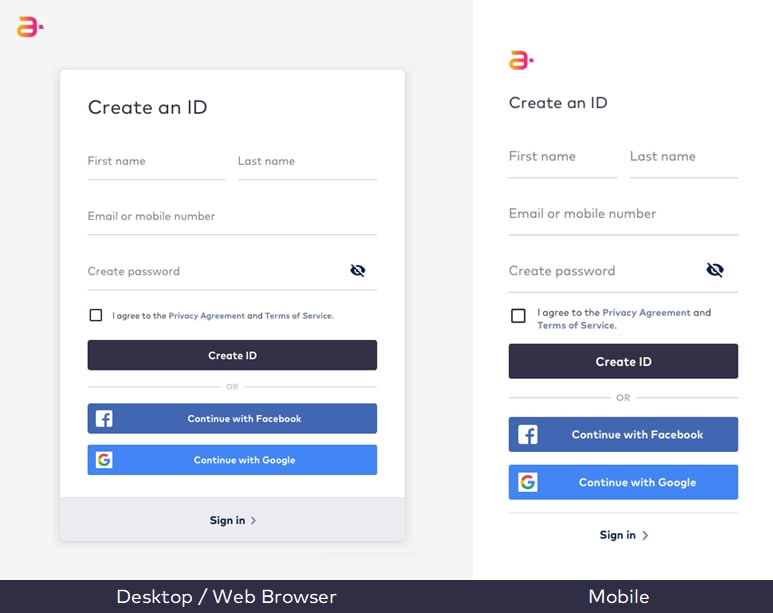
Theming and Branding
Identity app supports light theme, so you can appropriately brand your public-facing sign-up and sign-in screens. Organizations can update their Identity app layout with alternate colors, fonts, and logos. If you decide to use a proprietary application and your own sign-in portal, then your developers can implement Digital Identity Management APIs and Processes into your own existing application to leverage Digital Identity Management’s capabilities and enable your users to sign up, sign in, and manage their identity and services.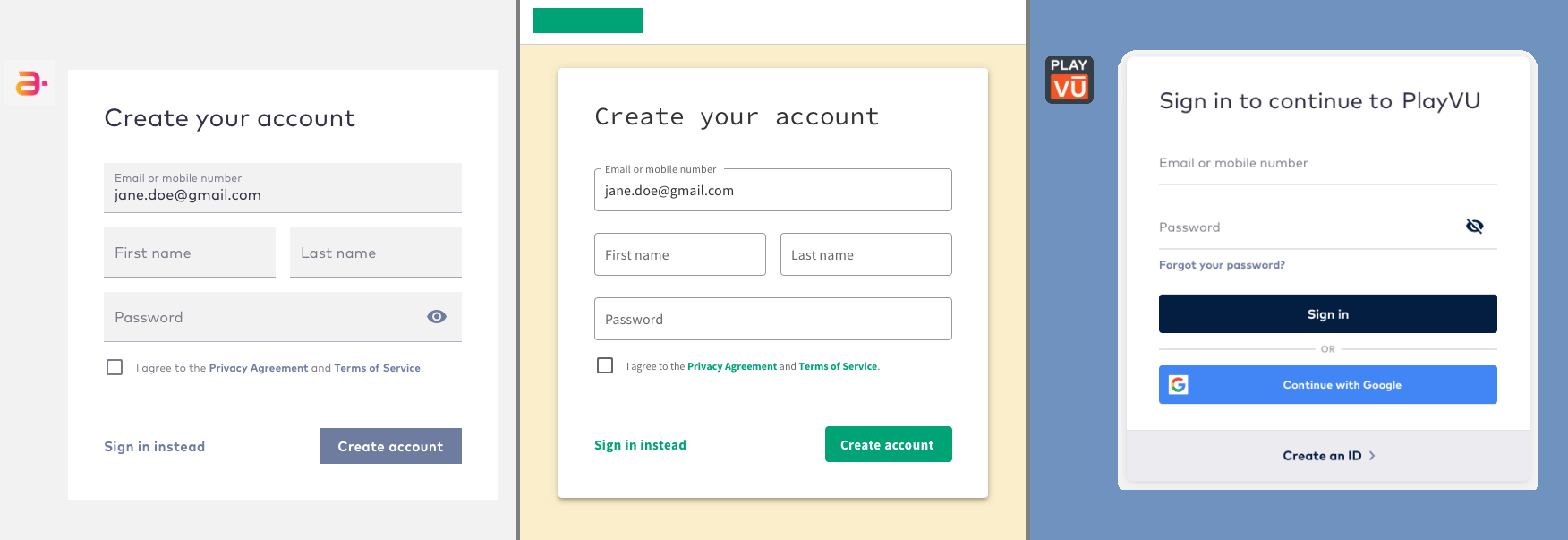
Key User Capabilities
- Onboard or sign up with email address, mobile number, or social media account.
- Sign in with email address, mobile number, or social media account.
- Reset password if the current password is lost.
- Receive verification emails and SMS to verify new or updated email addresses or mobile numbers.