

Key User Capabilities
- Register and manage OAuth 2.0 and OpenID Connect compliant clients for Single Sign-On (SSO).
- Search for and edit existing OIDC clients.
- Modify application settings that determine system behavior. Applications settings are found in these categories:
- Password - Define passwords complexity rules for end users authentication and onboarding processes.
- Security – Configure rules for user lockout, MFA, and enable reCAPTCHA (if required).
- Tokens – Configure short and long token settings.
- Social Connections – Configure integrations with social identity providers: Apple, Facebook, Google, LinkedIn, Microsoft.
- Authentication Identifiers – Define the authentication methods for end users (email/mobile), set the number of aliases allowed, and configure the valid email/mobile patterns permitted.
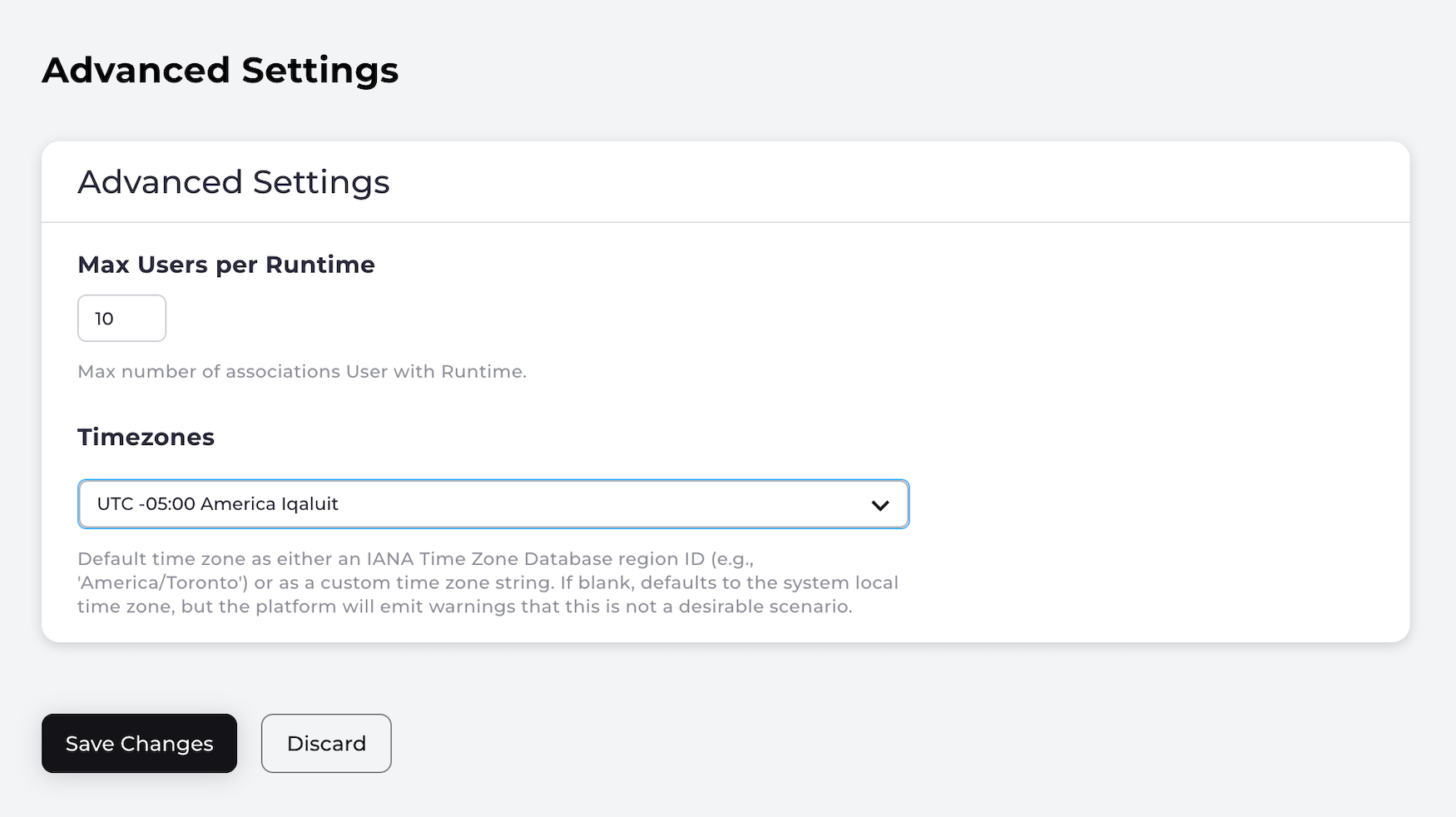
- Manage advanced settings such as cross-origin rules (CORS) and manage user sessions (timezone, runtimes).
- Add and manage team members. For example, create a new admin user, or suspend or change the roles for the existing users.