

- Sign in to the Care console. By default, the Find a User page displays.
-
Click New User, from the top-right corner, and enter the required information.
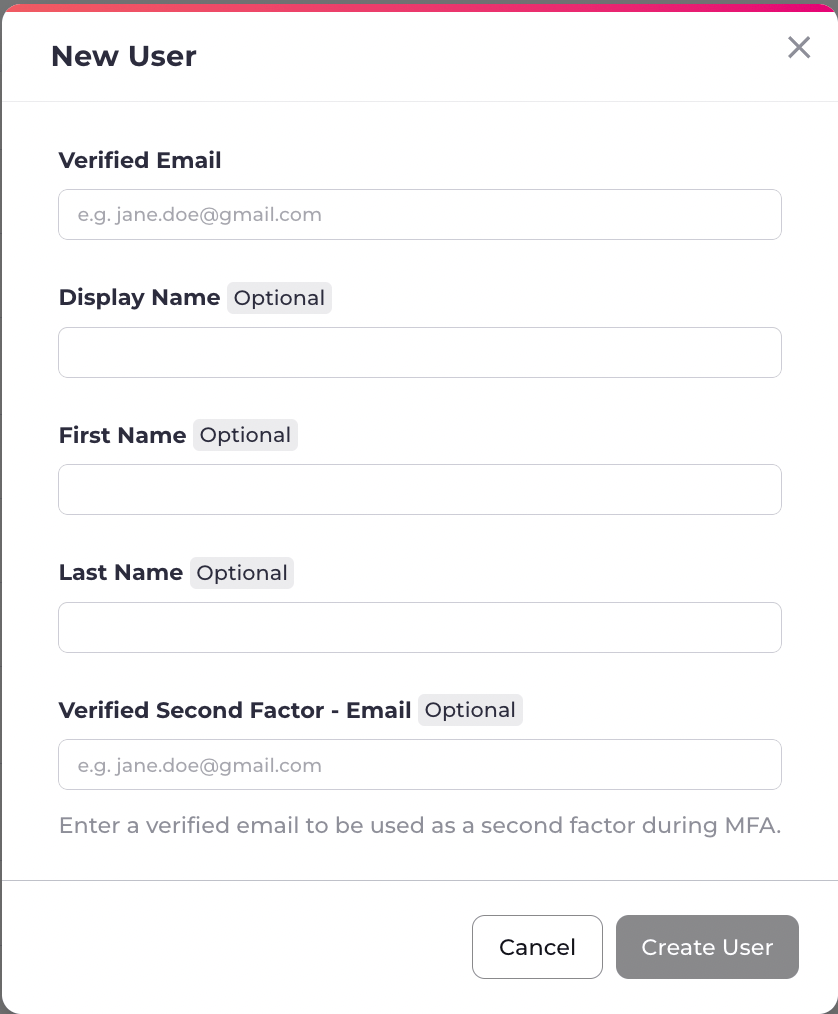
- Select Create User to complete the user creation. An onboarding notification message is sent to the user on their verified email/mobile or preferred contact channel. The newly created user Identity page displays.
Add New User
As a Care Agent, you create a new user directly in the Care console, by selecting Actions > New User.