

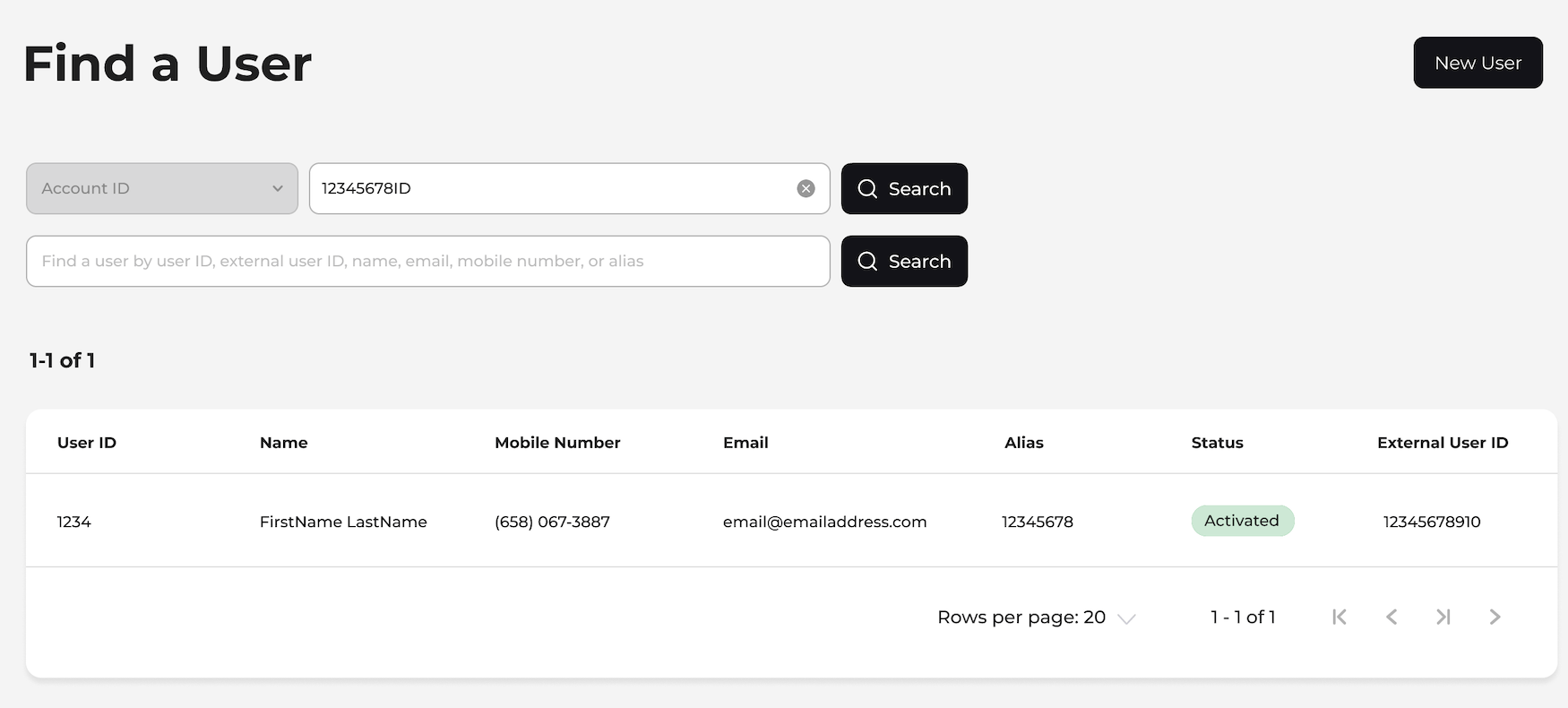
- Sign in to the Care console. By default, the Find a User page appears.
-
Enter the search criteria in the search field and press Enter.
You can use any of the following search criteria to find a user:
- Billing Account ID
- User ID or External User ID Note: End users authenticated with the Digital Identity Management (ULM) IdP service are assigned a User ID. If they are also authenticated by an external or third-party IdP service, they receive an External User ID in addition to their User ID.
- First or last name
- Email address
- Mobile number
- Alias A list of end users matching the search criteria appears.
- Select the relevant user and click anywhere in its row to open the user’s Identity profile page.